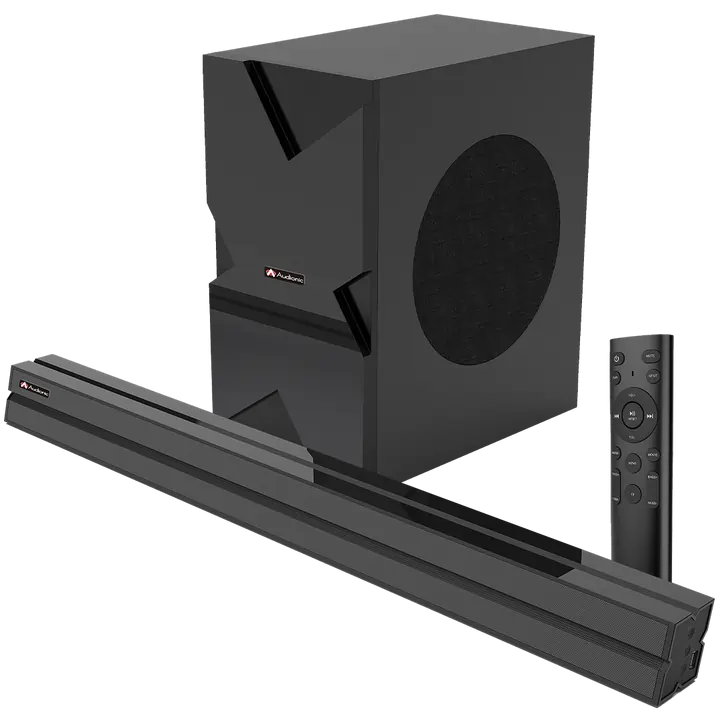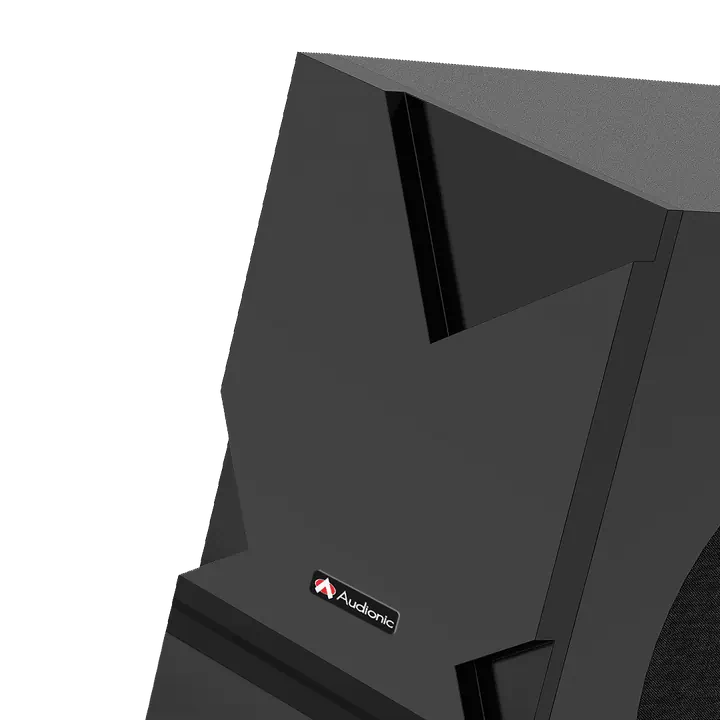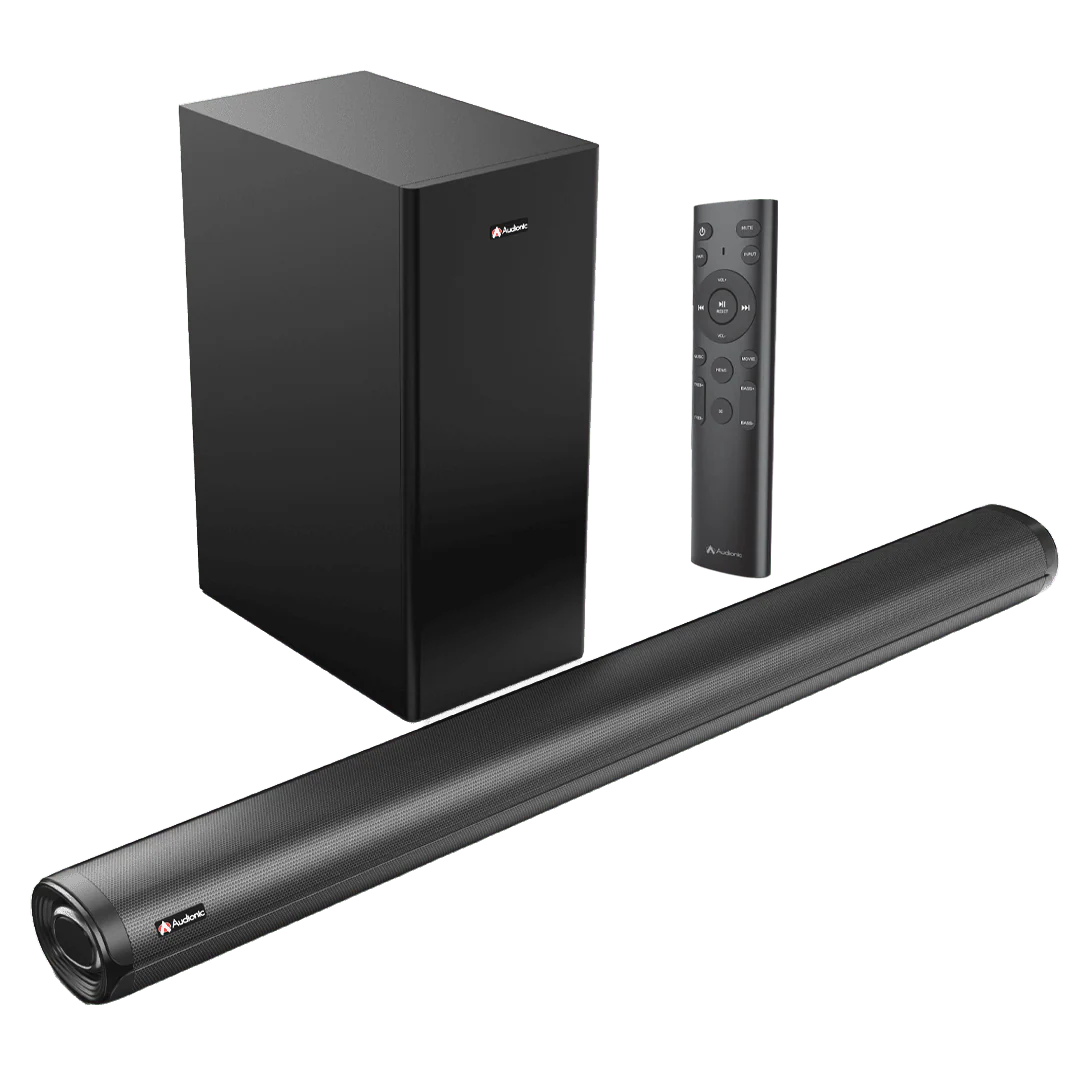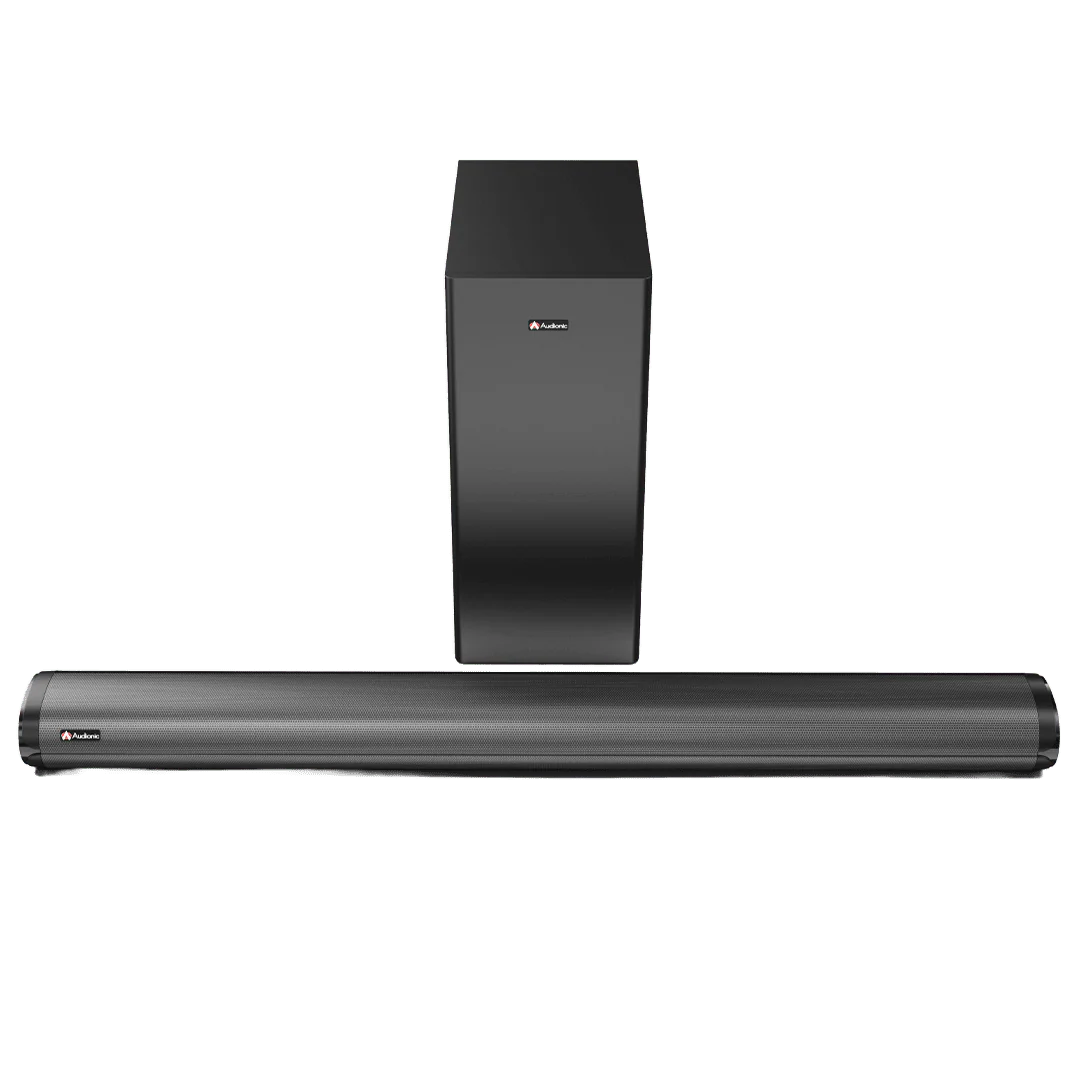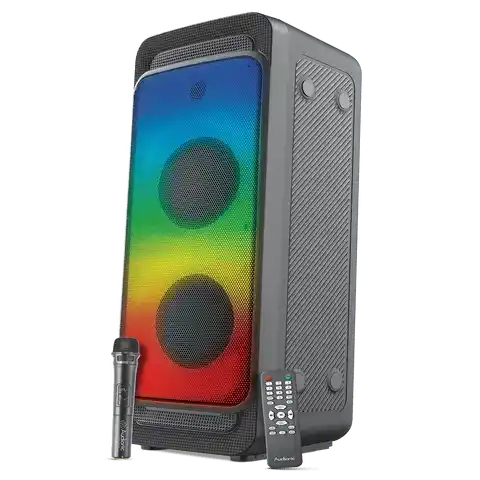
Hummer H40
Hummer H40
Specs
- Output Power: 30W
- S/N Ratio: 75 db
Input Options
- Bluetooth
- USB
- TF card
- Karaoke Port/AUX IN Port
Features Available in Hummer H40
- Tws Function
- Live Rec
- RGB Lights
- Remote Control
- Bass Adjustment
- Treble Adjustment
Remote Control
- Yes
Wireless Mic
- Yes
LED Display
- Yes
RGB Lights
- Yes
What's In the Box
- Remote Control
- Charger
- Wireless Mic
- Speaker
- User Manual
- E-Warranty Card
Warranty
- One year warranty
How do I connect my Hummer H40 speaker system to my TV?
A: You can connect the system to your TV via an AUX cable. Plug one end into the Audio Output of your TV and the other end into the Audio Input of the Hummer H40 system. If your TV supports Bluetooth, you can also pair the speaker system wirelessly.
How do the controls on the Hummer H40 speaker system work?
A: The toggle controls on the Hummer H40 allow you to adjust volume, toggle between different audio sources, and switch the system on or off. The remote control provides additional controls including Bluetooth pairing and specific audio settings.
How do I pair my device via Bluetooth to the Hummer H40 speaker system?
A: On your device, turn on Bluetooth and search for available devices. The Hummer H40 should appear in the list. Select it to initiate pairing. If asked for a password, refer to your user manual, but many devices use '0000' or '1234'.
How can I achieve the best surround sound with the Hummer H40 system?
A: The optimal placement of speakers for surround sound is important.
How can I adjust the bass level on the Hummer H40 system?
A: You can adjust the bass level using the remote control. Look for the MODE Button. Press it, and on LED "bass" will appear — then adjust the bass level with the control knob and set it to your liking.
Can I connect multiple devices to my Hummer H40 speaker system at the same time?
A: Generally, the Hummer H40 system can only be connected to one audio source at a time. However, you can easily switch between devices by disconnecting the current device and pairing another.
What should I do if the sound quality is poor?
A: Make sure the audio source is of good quality. Poorly recorded or compressed audio will not sound good on any speaker system. Also, make sure the Hummer H40 and the source device's volume are set appropriately — extreme high or low settings can distort sound.
Are they Rechargeable
Yes
Warranty
Does it have a warranty?
Yes, it comes with a One-Year Brand warranty
Hummer H40
Specs
- Output Power: 30W
- S/N Ratio: 75 db
Input Options
- Bluetooth
- USB
- TF card
- Karaoke Port/AUX IN Port
Features Available in Hummer H40
- Tws Function
- Live Rec
- RGB Lights
- Remote Control
- Bass Adjustment
- Treble Adjustment
Remote Control
- Yes
Wireless Mic
- Yes
LED Display
- Yes
RGB Lights
- Yes
What's In the Box
- Remote Control
- Charger
- Wireless Mic
- Speaker
- User Manual
- E-Warranty Card
Warranty
- One year warranty
How do I connect my Hummer H40 speaker system to my TV?
A: You can connect the system to your TV via an AUX cable. Plug one end into the Audio Output of your TV and the other end into the Audio Input of the Hummer H40 system. If your TV supports Bluetooth, you can also pair the speaker system wirelessly.
How do the controls on the Hummer H40 speaker system work?
A: The toggle controls on the Hummer H40 allow you to adjust volume, toggle between different audio sources, and switch the system on or off. The remote control provides additional controls including Bluetooth pairing and specific audio settings.
How do I pair my device via Bluetooth to the Hummer H40 speaker system?
A: On your device, turn on Bluetooth and search for available devices. The Hummer H40 should appear in the list. Select it to initiate pairing. If asked for a password, refer to your user manual, but many devices use '0000' or '1234'.
How can I achieve the best surround sound with the Hummer H40 system?
A: The optimal placement of speakers for surround sound is important.
How can I adjust the bass level on the Hummer H40 system?
A: You can adjust the bass level using the remote control. Look for the MODE Button. Press it, and on LED "bass" will appear — then adjust the bass level with the control knob and set it to your liking.
Can I connect multiple devices to my Hummer H40 speaker system at the same time?
A: Generally, the Hummer H40 system can only be connected to one audio source at a time. However, you can easily switch between devices by disconnecting the current device and pairing another.
What should I do if the sound quality is poor?
A: Make sure the audio source is of good quality. Poorly recorded or compressed audio will not sound good on any speaker system. Also, make sure the Hummer H40 and the source device's volume are set appropriately — extreme high or low settings can distort sound.
Are they Rechargeable
Yes
Warranty
Does it have a warranty?
Yes, it comes with a One-Year Brand warranty
Original: $15,999.00
-70%$15,999.00
$4,799.70Description
Hummer H40
Specs
- Output Power: 30W
- S/N Ratio: 75 db
Input Options
- Bluetooth
- USB
- TF card
- Karaoke Port/AUX IN Port
Features Available in Hummer H40
- Tws Function
- Live Rec
- RGB Lights
- Remote Control
- Bass Adjustment
- Treble Adjustment
Remote Control
- Yes
Wireless Mic
- Yes
LED Display
- Yes
RGB Lights
- Yes
What's In the Box
- Remote Control
- Charger
- Wireless Mic
- Speaker
- User Manual
- E-Warranty Card
Warranty
- One year warranty
How do I connect my Hummer H40 speaker system to my TV?
A: You can connect the system to your TV via an AUX cable. Plug one end into the Audio Output of your TV and the other end into the Audio Input of the Hummer H40 system. If your TV supports Bluetooth, you can also pair the speaker system wirelessly.
How do the controls on the Hummer H40 speaker system work?
A: The toggle controls on the Hummer H40 allow you to adjust volume, toggle between different audio sources, and switch the system on or off. The remote control provides additional controls including Bluetooth pairing and specific audio settings.
How do I pair my device via Bluetooth to the Hummer H40 speaker system?
A: On your device, turn on Bluetooth and search for available devices. The Hummer H40 should appear in the list. Select it to initiate pairing. If asked for a password, refer to your user manual, but many devices use '0000' or '1234'.
How can I achieve the best surround sound with the Hummer H40 system?
A: The optimal placement of speakers for surround sound is important.
How can I adjust the bass level on the Hummer H40 system?
A: You can adjust the bass level using the remote control. Look for the MODE Button. Press it, and on LED "bass" will appear — then adjust the bass level with the control knob and set it to your liking.
Can I connect multiple devices to my Hummer H40 speaker system at the same time?
A: Generally, the Hummer H40 system can only be connected to one audio source at a time. However, you can easily switch between devices by disconnecting the current device and pairing another.
What should I do if the sound quality is poor?
A: Make sure the audio source is of good quality. Poorly recorded or compressed audio will not sound good on any speaker system. Also, make sure the Hummer H40 and the source device's volume are set appropriately — extreme high or low settings can distort sound.
Are they Rechargeable
Yes
Warranty
Does it have a warranty?
Yes, it comes with a One-Year Brand warranty